
Last updated: October 7, 2026
Most people do not need fifteen AI tools. They need to know which job each tool could take off their plate, what they already pay for, and what still needs checking by a person. This shortlist keeps the fifteen products but does not rank them by an invented universal score.
Start with a task that repeatedly slows you down. Try the tool on that task, include the time spent correcting its output, and only then decide whether another subscription earns a place. Two similar products can be worth keeping for different jobs; two different brands can still duplicate the same job.
How We Checked This
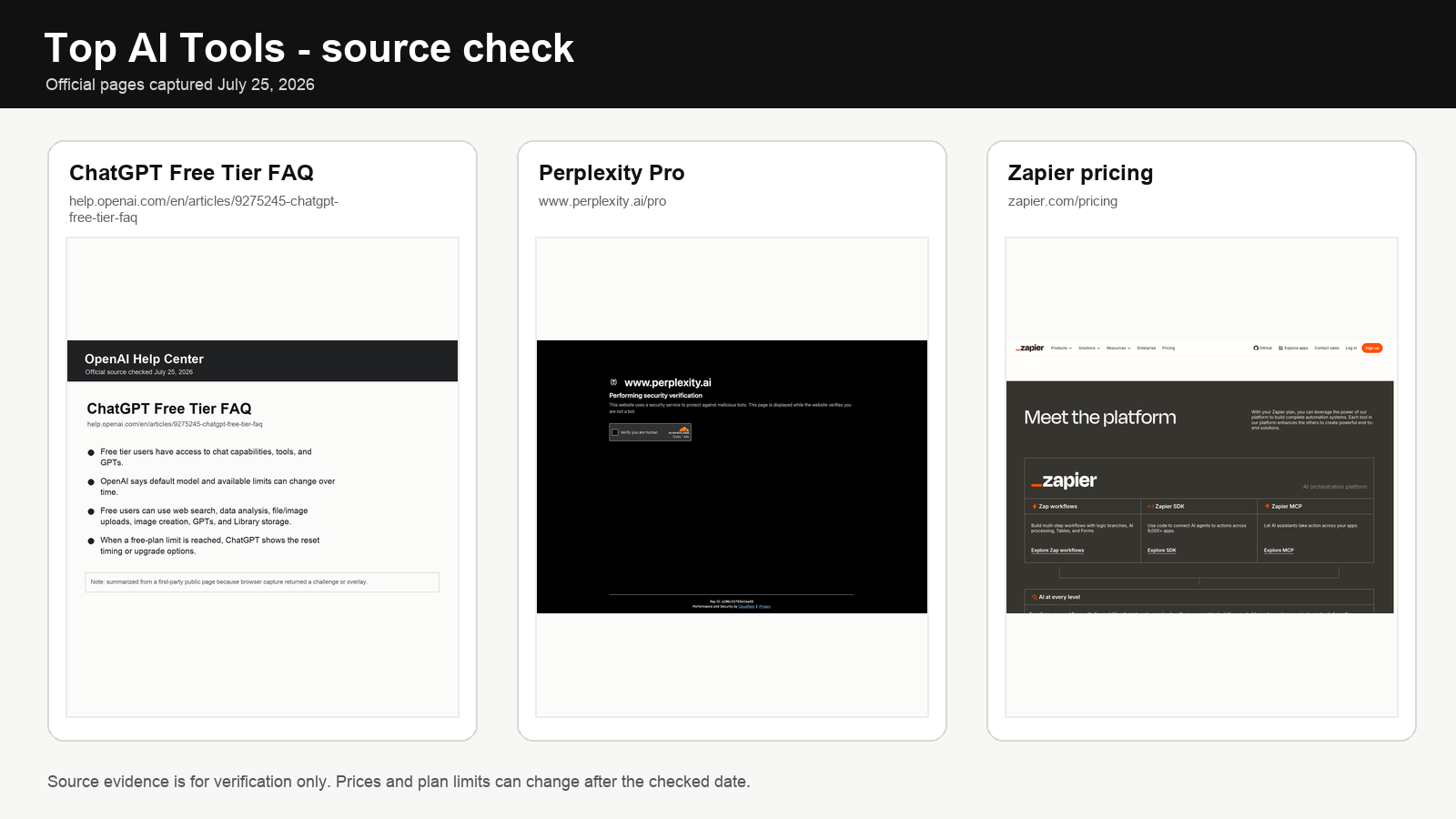
The official product and pricing pages linked below are used to check the functions and price anchors described here. These are documentation checks, not a hands-on benchmark of all fifteen tools. The decision rules are editorial suggestions, not measured performance rankings.
This revision removes unsupported overlap percentages, time-saving estimates and universal upgrade thresholds from an earlier version. It also removes the stale price matrix. Use each provider’s current pricing and account screen to check your country, billing period, seat minimum, included credits and overage rules. The worked amounts below are explicitly hypothetical, not vendor quotes.
Choose the job before the subscription
| Your bottleneck | Candidates to compare | Check before paying |
|---|---|---|
| Drafting or analysing documents | ChatGPT, Claude, Gemini | Your own documents, permissions and correction time |
| Finding sources | Perplexity or an assistant with search | Whether the cited page actually supports the answer |
| Editing or finding workspace knowledge | Grammarly, Notion AI | Writing surface or workspace access, not just model quality |
| Meeting follow-up | Otter, Fireflies, Fathom | Platform support, participant consent, retention and sharing |
| Writing and changing code | GitHub Copilot, Cursor | Editor fit, tests, permissions and metered usage |
| Visual production | Midjourney, Adobe Firefly | Editing workflow, permitted uses and revision effort |
| Repeated handoffs between apps | Zapier, Make | The exact integration, billable events and failed-run recovery |
Current paid-entry price anchors
Use these as checkout anchors, not as a reason to subscribe. Regional pricing, taxes, annual discounts, included credits and usage limits can change the real bill.
| Tool | Current paid anchor | What that tier is really buying |
|---|---|---|
| ChatGPT | Plus $20/mo; Pro from $100/mo | Higher model/tool limits, deeper research and heavier reasoning workflows |
| Claude | Pro $20/mo or $200/yr; Max from $100/mo | Higher usage, Research, multiple models and heavier Claude workflows |
| Gemini | Google AI Plus $9.99/mo; AI Pro $19.99/mo | Higher Gemini limits plus Google ecosystem features and storage |
| Grammarly | Pro $30/mo or $144/yr | Inline writing assistance across supported surfaces |
| Notion | Business $20/user/mo | Full Notion AI, Agent, AI Meeting Notes and connected search; Free/Plus only get limited AI trial access |
| GitHub Copilot | Pro $10; Pro+ $39; Max $100/mo | Increasing agent/model/credit allowances for coding work |
| Cursor | Pro $20; Pro+ $60; Ultra $200/mo | Higher agent usage across frontier models, cloud agents and coding workflows |
| Midjourney | Basic $10; Standard $30; Pro $60; Mega $120/mo | More GPU time; higher tiers add Relax and private-generation options |
| Zapier | Professional from $19.99/mo | Multi-step automation, premium apps, webhooks and AI workflow capacity |
| Make | Core $12; Pro $21/mo at 10k credits | More scheduling/control and higher-performance automation features |
General assistants: three places to start
1. ChatGPT
ChatGPT combines conversational assistance with files, image generation, voice, research and other tools. Plus is $20/month; Pro starts at $100/month, while new signups and upgrades to the $200 Pro tier are temporarily paused. Consider ChatGPT when you want several kinds of work in one interface, but check the model picker and plan limits rather than assuming every feature is included.
A useful trial is one document, one spreadsheet question and one task you already know how to complete. Check the answer and the intermediate work, not just how polished the response sounds. Upgrade for a specific access or usage constraint, rather than a calendar rule such as hitting a limit twice a week.
2. Claude
Claude is another candidate for writing, document work and coding. Pro costs $20/month or $200/year, while Max starts at $100/month. Current Pro also includes Claude Code, Cowork, Research and multiple-model access. Give it the same brief and source material you use with another assistant and keep both only when each has a distinct job.
We do not have a measured percentage for how much Claude and ChatGPT overlap. Document length alone also does not establish which will reason more accurately. Ask each to point to the passage supporting its conclusion and check that passage.
3. Gemini
Gemini is worth evaluating if your work already sits in Google’s tools. Google AI Plus is $9.99/month and AI Pro is $19.99/month in the current US reference pricing, with different Gemini limits and broader Workspace features at the Pro level. Check your existing Google or Workspace entitlement before buying a separate plan.
Being outside Google’s ecosystem does not automatically disqualify it. It means integration is less useful as your deciding factor. Compare the output on your task instead.
Research: citations are the starting point
4. Perplexity
Perplexity presents answers alongside sources. That makes it a candidate for discovery and source-led research, but a citation is not a guarantee that a sentence is true. Open the cited page, find the supporting passage, and check its date and scope.
Before adding a subscription, compare that process with the search tools already available in your assistant. If both lead you to the same usable sources with similar checking effort, another research surface may not solve a problem.
Editing and workspace knowledge are different purchases
5. Grammarly
Grammarly offers writing assistance within supported writing workflows. Pro is $30/month, $60 per quarter, or $144/year. Its potential advantage over a separate chat window is where the assistance appears, so test it on something you actually send and check whether suggestions preserve your meaning and voice.
Annual billing is a commitment, not an automatic saving. Compare the full annual charge with the number of months you expect to use it. Someone finishing a short project can spend less in total on a higher monthly rate.
6. Notion AI
Notion AI is now fully available on Business and Enterprise plans; Free and Plus get only a limited number of complimentary AI responses for trial use. Business is $20 per member/month and includes Notion Agent, AI Meeting Notes and connected/enterprise search. It is a candidate when finding existing decisions or working inside Notion is the problem.
Test a question with a known answer in your workspace. Check whether the answer cites the right page and respects access permissions. If the underlying information is missing or contradictory, buying search does not repair it.
Meeting tools: check the sharing path first
7. Otter
Otter provides meeting transcription and follow-up features. Consider it when a searchable account of a conversation would help. Check the actual language, meeting-platform and plan support you need, then verify names, numbers and action owners before distributing notes.
8. Fireflies
Fireflies offers meeting capture, search and connected workflows. Pro is $10/user/month billed annually or $18 monthly; Business is $19 annually or $29 monthly, with separate AI-credit economics for some advanced actions. For a team, evaluate who can access recordings and where summaries or CRM updates are sent.
9. Fathom
Fathom is another recording and meeting-summary option. Its Free plan currently keeps unlimited recordings, storage and transcription, but limits advanced AI summaries to the first five calls each month; Premium removes that advanced-summary limit and adds features such as AI follow-up emails and Ask Fathom. This guide does not claim its summaries are universally better than the other two.
For all three, first check whether your existing meeting service already supplies an adequate summary. Obtain the permissions required for recording, check default sharing, and avoid capturing confidential meetings merely because auto-join is available. Our meeting-notes privacy guide examines that decision separately.
Coding: include the review work
10. GitHub Copilot
GitHub Copilot now spans Free, Pro $10/month, Pro+ $39 and Max $100. Paid tiers add increasingly large AI-credit allowances, model choice, cloud agents and code review; Pro also exposes third-party agents including Claude Code and Codex. Autocomplete alone no longer describes the product.
For a beginner, the useful boundary is whether you can explain and test a suggestion, not a fixed number of months spent learning. Request explanations, write tests and reject code you cannot evaluate. For experienced developers, record review and repair time as part of the cost.
11. Cursor
Cursor is an AI coding environment with agent-based workflows. Individual pricing is currently Pro $20/month, Pro+ $60 and Ultra $200, with increasing included agent usage across frontier models and cloud-agent workflows. Try a bounded change in a disposable branch, review the diff and run the existing tests before accepting it.
Do not choose between Cursor and Copilot on an unsupported claim that one is universally faster. Compare editor fit, the same change request, permission controls and the usage shown in your account. Our coding-tool comparison covers the narrower decision.
Visuals: output quality is not legal clearance
12. Midjourney
Midjourney is a candidate for generated visual work. Current monthly plans are Basic $10, Standard $30, Pro $60 and Mega $120; Standard and above add unlimited image generation in Relax Mode, while Stealth Mode is limited to Pro and Mega. Evaluate it with your actual brief rather than a gallery image.
13. Adobe Firefly
Adobe Firefly offers generative tools within Adobe’s creative ecosystem. Existing Adobe users should check their included credits and the models or features they intend to use before buying another subscription.
Neither a provider’s training-data statement nor a subscription gives every output blanket legal clearance. Check the terms applicable to the chosen model, use and plan, plus any third-party rights in your inputs or proposed output. This guide does not certify commercial safety or rank artistic quality.
Automation: compare the same workload
14. Zapier
Zapier connects applications and supports automated workflows. Free includes 100 tasks/month and Professional starts at $19.99/month. AI by Zapier now uses model-tier task multipliers: Standard 1x, Advanced 3x and Premium 5x before tool-call usage, so the same-looking workflow can have very different task economics.
15. Make
Make offers visual workflow building. At the 10k-credit reference tier, Core is $12/month and Pro $21/month. It remains a candidate for multi-step work, branching and transformations, but its credits and Zapier’s tasks do not count work the same way.
Map your workflow before estimating the bill: incoming events, steps executed, loops, AI calls and retries. Check each provider’s billing definitions. An unstable manual process remains unstable when automated.
Two cost checks you can reuse
Illustrative subscription overlap: suppose you pay $20 a month for each of two assistants. The combined subscription charge is $40 a month, or $480 over twelve months, before tax. Dropping one saves $240 only if the remaining product covers the work you need. These are example inputs, not current plan quotes or evidence of a percentage overlap.
Illustrative billing commitment: suppose an editing tool costs $30 monthly or $144 prepaid for a year. For a two-month project, $60 is less than $144. If you use it for a full year, $360 is more than $144. The break-even is 4.8 months, so the annual option becomes cheaper from five full months of use under these assumptions. Include cancellation and refund terms before applying the comparison.
For time savings, use your own baseline. Record how long the complete task takes without the tool, then with it, including checking and rework. Do not convert every minute saved into revenue unless it genuinely creates billable capacity or removes a cost.
What to keep
Keep a subscription when you can name the task it improves and demonstrate that improvement in your own workflow. Pause or cancel it when the task disappears, an included alternative is sufficient, or checking the output removes the apparent saving. There is no universal correct stack size or monthly spend.
For more focused choices, read ChatGPT vs Claude vs Gemini, AI note-taking apps, and AI research tools.
Sources
Official product and pricing pages used for the functions and price anchors described above: ChatGPT, Claude, Gemini, Perplexity, Grammarly, Notion AI, Otter, Fireflies, Fathom, GitHub Copilot, Cursor, Midjourney, Adobe Firefly, Zapier, and Make. These pages establish advertised functions, not independent performance measurements.