
Last updated: October 7, 2026
Prices and plan availability can vary by country, platform, promotion, and account.
Skillshare and Brilliant are easy to compare on price and almost impossible to compare honestly as catalogs. One is built around short video classes and projects, especially in creative work. The other is built around solving interactive problems in math, coding, data, and science. Buying the wrong one is not a small feature mistake. It means paying for a learning method that does not match the thing you are trying to learn.
The fastest decision rule is blunt: choose Brilliant when the work is understanding and solving STEM problems; choose Skillshare when the work is watching a practitioner and making a creative project. If you need an employer-facing program, university course, or one precise technical tutorial, choose neither and use the broader options in our Coursera, Udemy, and Skillshare decision lab.
They solve different learning problems
| Your actual task | Start with | Why it can still fail |
|---|---|---|
| Understand algebra, probability, algorithms, coding logic, data, or science by solving problems | Brilliant | It is not a degree, transcript, or human tutor, and it does not replace building real software. |
| Complete illustration, design, photography, writing, video, or freelance projects | Skillshare | The annual library is wasteful if you watch without finishing projects. |
| Earn a structured professional credential | Neither | Use a platform built around the exact credential and verify employer relevance. |
| Fix one narrowly defined software problem | Neither | A focused one-time course or official documentation may cost less than either subscription. |
Brilliant: pay for repeated problem solving
Brilliant is the stronger fit when watching another person solve the problem is not enough. Its official material describes interactive lessons across math, computer science, data analysis, science, and related subjects. The learner makes choices, manipulates models, traces logic, and answers questions inside the lesson. Premium includes full access to Koji, Brilliant’s in-course tutor, plus unlimited lessons and practice sets, the ability to jump to any lesson, and no ads.
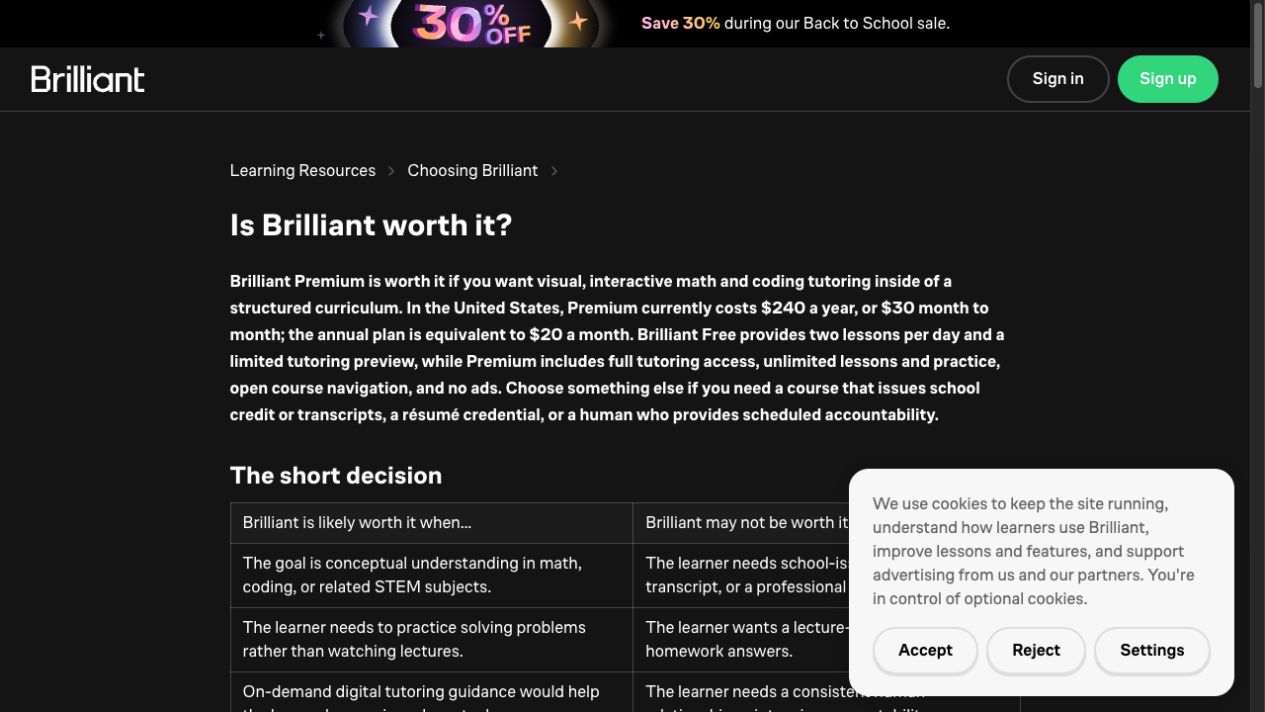
Brilliant’s US reference price remains $30 month to month or $240 annually. Brilliant Free currently gives you two keys per day, with each key unlocking one lesson or practice set, so the free plan is not a decorative trial. It is enough to test whether the learning method makes you return and think. That is the test to run before paying: complete several lessons over multiple days, get genuinely stuck, use the guidance, and then solve a new problem without copying the earlier steps.
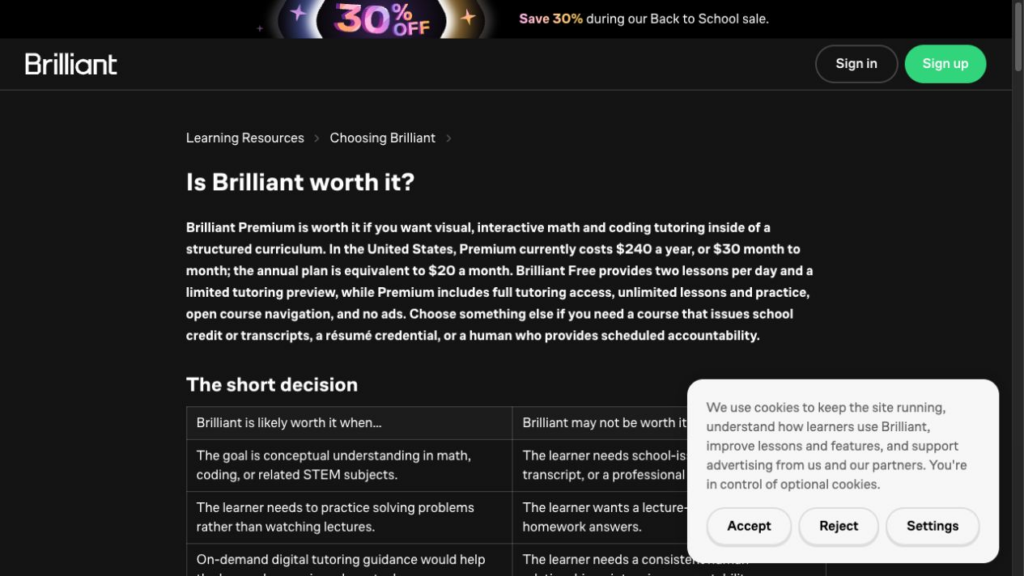
The annual price becomes cheaper than monthly after eight paid months. Eight monthly payments equal $240, so annual billing does not create a discount before that point. The annual plan makes sense when you expect a sustained habit or several family members can use an eligible plan. A three-week burst of enthusiasm does not justify it.
Skip Brilliant if you need school credit, a transcript, a degree, or a professional certificate. Brilliant says it does not issue those outcomes. It can strengthen reasoning and conceptual understanding, but a programming learner still needs to write, debug, and ship code outside the lesson environment. An interactive Python path is preparation for building software, not the portfolio itself.
Skillshare: pay for completed projects, not watch time
Skillshare is the more natural fit when the subject is creative and the learning loop is watch, make, share, improve. Its own learning documentation emphasizes design, illustration, writing, photography, productivity, freelancing, and related skills. Classes are usually broken into short video lessons and include a project component. That project is the purchase test. If you cannot name what you will make, the size of the catalog is not helping you.
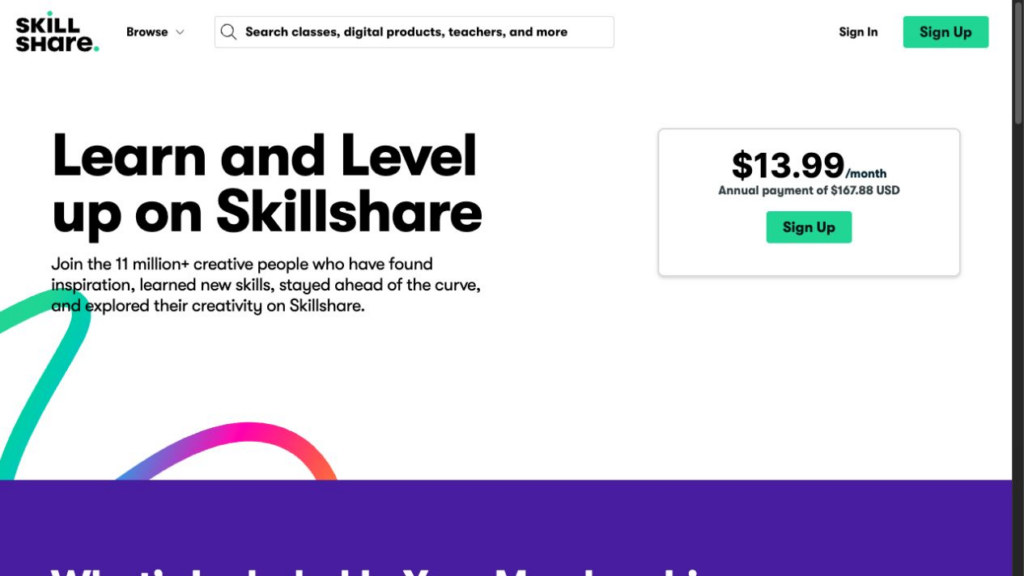
The official US Skillshare pricing page still shows $13.99 per month as an equivalent, billed as $167.88 annually. The monthly-looking number is not the charge to compare. The annual total is. Prices and plan availability vary by region, and a free trial can roll into a paid membership under the signup terms.
Skillshare now awards class certificates when a member watches every lesson and submits a project for that class. You can publish the project privately or publicly, but a saved draft does not qualify. That makes the certificate more than a watch-progress badge, but do not confuse it with an accredited academic or professional credential. Its practical value is evidence that you completed the class and its project.
Offline viewing and the real cost per project
Offline viewing is available through Skillshare’s iOS and Android apps. That matters for commuters and travelers, but it does not change the central economics. At the captured US annual price, twelve completed projects cost $13.99 each. Four completed projects cost $41.97 each. Both numbers can be reasonable; only the first supports the argument that a large annual library is inexpensive.
Skip Skillshare if your real goal is a sequenced STEM curriculum, deep interactive practice, or a credential employers already recognize. Also skip it if you collect classes and rarely publish the project. A library full of inspiration can become a sophisticated form of procrastination.
Two worked decisions
Scenario 1: rebuilding math and coding foundations
A learner wants to strengthen algebra, probability, algorithmic thinking, and Python logic over a year. They can realistically complete three sessions per week. Brilliant’s annual $240 reference price spread across 156 sessions is about $1.54 per session. Skillshare may contain coding or productivity classes, but its video-and-project model is not the closest substitute for guided interactive problem solving. Brilliant is the cleaner fit.
The failure condition is consistency. At one session per week, the same annual plan costs about $4.62 per session. That may still be worthwhile, but the learner should prove the habit with Brilliant Free before paying annually. If the actual objective is to obtain a job, the plan also needs an external project: a repository, analysis, application, or other work sample.
Scenario 2: a designer building twelve portfolio pieces
A designer plans one finished project per month: a poster, photo series, motion test, presentation system, or client-style brief. At twelve projects, Skillshare’s captured annual US price works out to $13.99 per project. The learner benefits from seeing a practitioner’s process, then producing visible work. Skillshare is the stronger fit.
If the same learner completes only four projects, the cost rises to $41.97 per project. That is not automatically bad, but it removes the cheap-library argument. Before renewing, the learner should count finished outputs, not saved classes or hours watched.
The subscription traps are different
Brilliant’s trap is paying for unlimited practice before proving a practice habit. Its free tier already permits two lessons per day. Use that limit. If two daily lessons are more than you consistently finish, Premium’s unlimited access does not solve the problem.
Skillshare’s trap is reading an annual price as a monthly commitment. The official page presents a monthly equivalent while billing the year. Check the actual charge, trial end, renewal date, and regional terms before confirming. Put the renewal date on your calendar on the day you subscribe.
Both share the catalog trap. A large library feels valuable before purchase and becomes irrelevant after purchase unless the next lesson or project is already chosen. Write a 30-day plan first. For Brilliant, name the course path and weekly sessions. For Skillshare, name the class and the artifact you will publish.
Who should choose neither?
Neither platform is the right choice if the outcome is primarily a recognized credential. Brilliant is a learning platform, but it does not issue school credit, transcripts, degrees, or professional certificates. Skillshare class certificates confirm class and project completion; they are not a substitute for an industry credential or university course.
If one exact course solves the problem, a one-time course purchase can be cleaner than an annual subscription. You should also look elsewhere if you need human accountability, scheduled feedback, or tutoring tied to a school curriculum. Brilliant’s in-product guidance and Skillshare’s project community are useful, but neither is the same as a person who follows your progress and adapts the plan.
The decision
Brilliant is best for the learner whose next action is solving a STEM problem. Start free, then pay when the daily limit interrupts a habit you have already demonstrated. Skillshare is best for the learner whose next action is making a creative artifact. Pay annually only when you can name enough projects to make the total defensible.
If your answer is still “both,” split the year rather than stacking subscriptions. Use one month of Brilliant for a defined STEM sprint, or one annual Skillshare term for a defined portfolio plan. Do not pay two libraries to compete for the same limited study hours.
Run this 30-day test before annual billing
For Brilliant, pick one path and schedule three sessions per week. Keep a short record of the lesson completed, the point where you got stuck, and whether you could solve a different problem afterward. Do not count opening the app as a session. At the end of four weeks, ask whether the two-lesson daily limit actually interrupted you. If it did not, Free may still be enough. If it repeatedly stopped a habit that was already working, Premium has a concrete job.
For Skillshare, choose one class with a project you can finish inside the month. Write the project name before starting and publish it privately or publicly when it is complete. Then choose a second project without browsing the catalog for hours. Annual membership becomes defensible when that cycle repeats: select, learn, make, finish. If the first month ends with twelve saved classes and no finished work, buying more access will not repair the workflow.
The test is intentionally asymmetric because the products are asymmetric. Brilliant should produce more successful problem-solving sessions. Skillshare should produce more finished creative artifacts. Compare each subscription against the result it promises, not against the other service’s catalog count.
How We Checked This
We use Brilliant’s official pricing, plan, curriculum, and terms pages plus Skillshare’s official pricing, learning, project, certificate, and offline-viewing documentation. We recalculated every cost-per-use example and did not claim paid hands-on testing. Prices can vary by region, platform, tax, promotion, and account.