
Last updated: August 13, 2026
Most note apps look impressive during setup and disappointing two weeks later. The real test is not whether the app can generate a summary or connect a few pages with AI. The real test is whether it helps you capture ideas fast, find them later, and turn notes into useful work without building a system so heavy that you stop trusting it.
How we checked this (July 25, 2026)
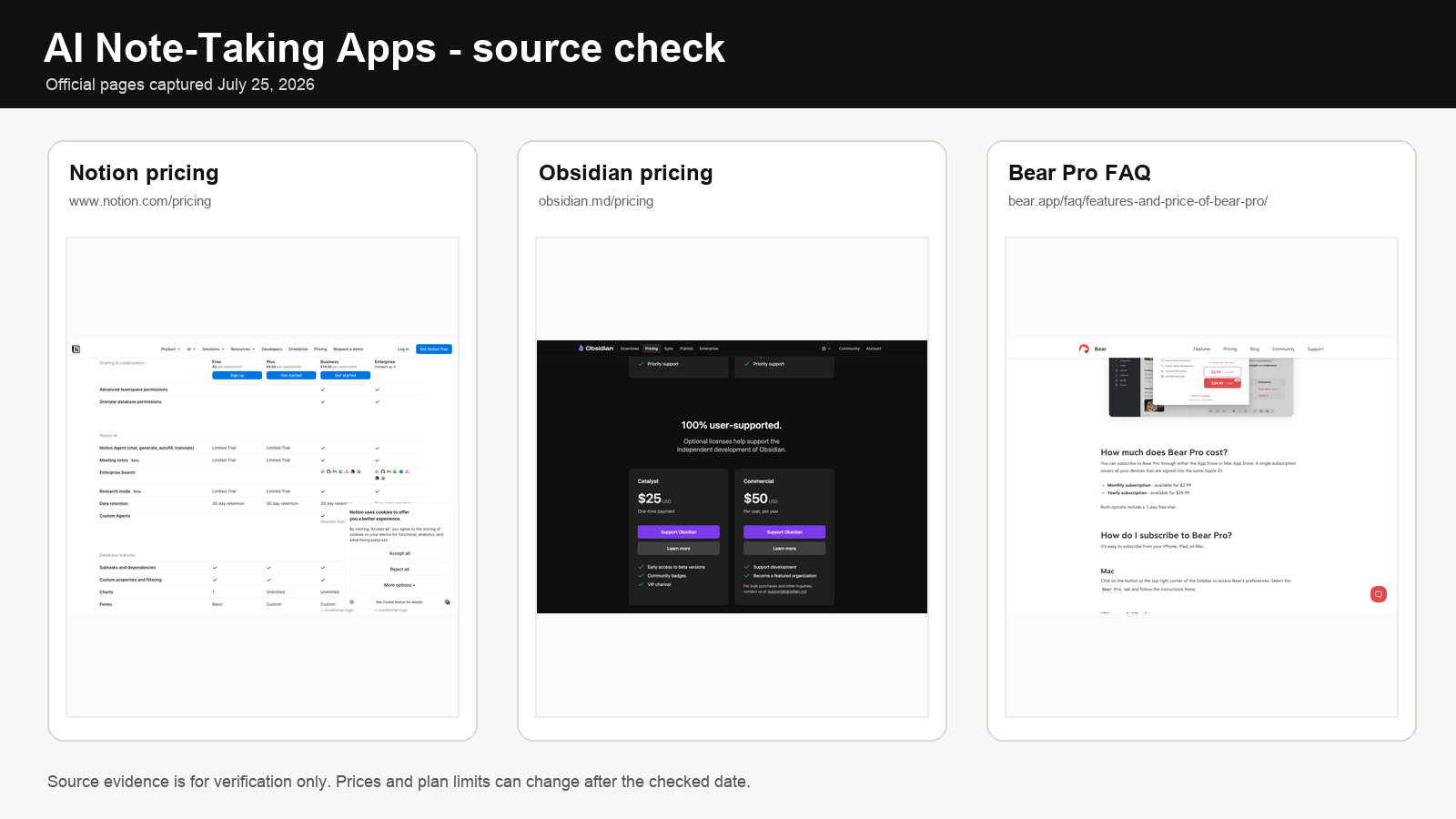
We rechecked the official pricing and source pages shown in the featured image: Notion pricing, Obsidian pricing, Bear Pro FAQ. We used public product pages and help pages, not affiliate roundups. Prices, plan names, and limits can change after the checked date.
A useful best ai note-taking apps 2026 comparison should therefore look at workflow, pricing logic, ownership, and capture-vs-retrieval tradeoffs, not hype. Obsidian, Notion, Bear, Apple Notes, and a few lighter alternatives all solve different note problems. The best one depends on whether you care most about local ownership, fast capture, team collaboration, structure, or low-friction retrieval.
Quick answer
For long-term personal knowledge, Obsidian wins: local-first, plain-text, no lock-in, and scales with your thinking. For team operations where notes, docs, tasks, and databases must live together, Notion is the stronger choice. For Apple users who care about writing flow and fast capture, Bear remains the most pleasant daily tool. For moderate users who keep abandoning heavier systems, Apple Notes is an honest answer that costs nothing extra.
If your AI workflow already depends on assistants, continue with our guides to ChatGPT vs Claude vs Gemini for productivity and best AI workflow stack for solopreneurs.
The two jobs of a note app: capture vs retrieval
Most app comparisons miss the core distinction. A note system has two different jobs and they pull in opposite directions.
Capture rewards low friction. You want the app to open instantly, accept a thought in under five seconds, and get out of the way. Every extra field, tag prompt, or template picker is a tax on capture. Tools optimized for capture: Bear, Apple Notes, Google Keep, Simplenote.
Retrieval rewards structure. You want links, backlinks, tags, search, and enough metadata that the note you wrote eight months ago still surfaces when you need it. Tools optimized for retrieval: Obsidian, Notion, Craft.
The best systems resolve this tension in one of two ways. Either the app is so fast at both that it hides the structure (Bear, Apple Notes with good folder discipline), or you accept a two-stage workflow: capture in a light tool, then process into a structured second brain later. Most people fail because they try to capture directly into a heavyweight structured workspace and the friction eventually kills the habit.
Pricing in 2026: what each app actually costs
| App | Free tier | Paid tier | AI layer | Ownership model |
|---|---|---|---|---|
| Obsidian | Free for personal use | Commercial support license $50/user/year | Sync $5/mo monthly or $4/mo annual; Publish $10/mo monthly or $8/mo annual; AI via plugins (bring your own key) | Local plain-text Markdown. Zero lock-in. |
| Notion | Free (limited blocks in teams) | Plus about $10/user/mo annual or $12 monthly; Business about $20 annual or $24 monthly; Enterprise custom | Free/Plus get trial AI capabilities; Business includes the broader AI workspace features; custom agents billed separately by credits | Proprietary blocks. Export to Markdown/CSV but links break. |
| Bear | Free (basic capture) | Bear Pro $2.99/mo or $29.99/yr | No native AI; Shortcuts integration only | Sync via iCloud, export to Markdown/HTML/PDF. |
| Apple Notes | Free with Apple ID | Included with iCloud+ tiers ($0.99 to $9.99/mo for storage) | Apple Intelligence summaries/rewrites on supported devices | iCloud proprietary; export is manual and imperfect. |
| Craft | Free (limited docs) | Plus about $8/mo annual or $10 monthly; family/team bundles higher | Craft AI credits included in free and paid tiers with monthly caps | Proprietary but solid Markdown/PDF export. |
| Google Keep | Free with Google account | No paid tier | Gemini integration via Google Workspace plans | Google account lock-in; Takeout export available. |
| Simplenote | Free, fully featured | No paid tier | None | Plain text, easy export. |
Two numbers worth remembering: an Obsidian setup with official Sync is roughly $48-$60/year depending on billing. A Notion Business seat is $240/year. That gap is not the whole decision, but if your notes are personal and you do not need collaboration, the Obsidian path is still materially cheaper and gives you more ownership.
AI features: useful vs gimmicky
Most AI features in note apps fall into one of four buckets. Only two of them justify upgrade cost.
| Feature | Verdict | Why |
|---|---|---|
| Semantic search across your notes | Useful | Solves the real problem: finding a note when you forgot the exact words. This alone can justify Notion AI or a good Obsidian plugin. |
| Summarize a long note or meeting | Useful | Saves time on review, especially for transcripts and research dumps. |
| Rewrite/expand/improve text in place | Marginal | Nice to have but available for free in ChatGPT or Claude. Rarely worth paying for inside a note app. |
| Auto-tag, auto-organize, auto-link | Usually gimmicky | Accuracy is inconsistent and it creates trust issues. Manual tagging is often faster than auditing AI suggestions. |
| AI chat with your notes as context | Useful if your notes are dense | Genuinely helpful for researchers, analysts, and students. Wasted if your note base is thin. |
| Generate note templates | Gimmicky | Templates are a one-time setup task. You do not need AI to do them. |
Rule of thumb: pay for AI when it reduces retrieval friction or processes bulk text you already have. Do not pay for AI that just drafts text you could draft anywhere else.
Obsidian: powerful, local-first, steep learning curve
Obsidian remains the strongest recommendation for people who want control. Files stay local in plain Markdown, the graph and linking model is excellent for long-term thinking, and the plugin ecosystem is still why power users stick with it. In 2026 the local-first model matters even more because many users are wary of putting their entire knowledge base into a proprietary workspace they cannot easily export later.
Real pricing. Free for personal use. Sync $5/mo, Publish $10/mo, commercial license $50/user/year. AI is bring-your-own: the popular plugins (Smart Connections, Copilot, Text Generator) connect to OpenAI, Anthropic, or a local model via Ollama, so your AI cost is whatever your API key spends — typically $3-$15/month for a heavy personal user.
Where Obsidian wins: long-term note ownership, cross-linking between ideas/projects/sources, custom systems for researchers, writers, consultants, and builders, offline reliability, and near-zero lock-in. The plain-text Markdown vault works with any editor, any backup system, any future app.
Where Obsidian loses: the learning curve is real. If you overbuild from day one, the app becomes a hobby instead of a working system. Mobile capture is functional but not delightful — faster tools exist for pure inbox dumping. Collaboration is weak compared to Notion; Obsidian Sync is single-user oriented.
When to upgrade from free. Add Sync ($60/yr) when you start using Obsidian on both desktop and mobile daily. Add Publish ($120/yr) only if you actually want to share a public notes site — otherwise skip it. Add a paid AI key when your vault crosses ~500 notes and semantic search starts to matter.
Do not pick Obsidian if: your team needs shared editing, your notes are mostly project/task lists rather than ideas and source material, or you know you will not maintain a system that rewards discipline.
Notion: flexible workspace but heavy for daily capture
Notion is compelling because it is not just a note app. It is a workspace where notes, docs, tasks, wikis, and databases live together. That flexibility is exactly why some people love it and others eventually leave. If your notes need to connect tightly with project management or team documents, Notion can replace several tools at once. If what you want is speed and low friction, Notion feels heavy by comparison.
Real pricing. Free tier works for individuals. Plus lands around $10/user/mo on annual billing or $12 monthly, Business around $20 annual or $24 monthly, Enterprise custom. In 2026 the cleaner mental model is no longer a simple old “$10 AI add-on” for everyone: Free and Plus get limited AI trial capabilities, while the broader AI workspace features sit more meaningfully in Business, with custom agents billed separately by credits. For a 5-person team, Business lands around $100/mo on annual billing before any extra agent-credit usage.
Where Notion wins: shared workspaces and team collaboration, notes connected to tasks/databases/operating docs, clean templates for repeatable workflows, one tool replacing several scattered knowledge systems. Notion AI Q&A across your workspace is genuinely useful if the workspace is dense.
Where Notion struggles: daily capture is slow compared to Bear or Apple Notes. Mobile capture has improved but still feels like opening a workspace rather than a notebook. Offline support is limited. Export produces Markdown but internal links and database references break, which matters more than it sounds when you try to leave.
When paying up for Notion’s AI layer is worth it. Workspace has 200+ pages or 3+ active databases, team members actually search the workspace weekly, and you use AI Q&A or summary features at least twice a week. Below that threshold, stay on Free or Plus and use ChatGPT or Claude separately when needed.
Do not pick Notion if: you are a solo user who mostly wants fast personal capture, you work offline often, or ownership/export matter more than collaboration.
Bear: fast capture, Apple ecosystem, surprisingly deep
Bear remains one of the most enjoyable apps to write in. That matters more than feature charts admit. If an app feels calm and fast, you use it more. If it feels like administration, you postpone capture and lose ideas. Bear’s strengths are not flashy: clean writing environment, excellent nested-tag flow, strong search, and capture that stays light even after heavy use.
Real pricing. Free tier covers basic capture on a single device. Bear Pro is $2.99/mo or $29.99/yr — one of the cheapest note subscriptions in the category. Annual billing saves about 16%. No AI surcharge; Bear relies on iOS/macOS system-level features and Shortcuts rather than bundling its own AI.
Where Bear wins: fast capture and low-friction writing, Apple users who want notes to feel native and quiet, nested tag organization without a giant workspace layer, strong Markdown support, and an interface that stays clean at 3,000 notes. Export to Markdown, HTML, PDF, DOCX, JPG is one of the cleanest in the category.
Where Bear is limited: Apple-only, so it is a poor pick for mixed-device users. It does not try to be a full project or database workspace. No native AI — if you want AI chat with your notes, you export and paste into Claude or ChatGPT.
Bear vs Apple Notes decision rule. If you write enough that the editor quality matters to you daily, pay $30/yr for Bear. If notes are mostly shopping lists, quick references, and scanned documents, stay with Apple Notes. The dividing line is usually around 50-100 new notes per month of actual written content.
Apple Notes and lighter alternatives
Apple Notes deserves a fair mention because many people do not need a specialized note app. If your needs are moderate, the default is good enough: fast capture, folders, scanning, iCloud sync, handwriting, and no extra subscription. Apple Intelligence on supported Apple devices adds summaries, rewrites, and Writing Tools at no extra cost. Its biggest strength is that it asks almost nothing from you.
The ceiling is real. Apple Notes is fine for everyday storage, lists, and casual reference, but it is weaker when you want a system for connected thinking, reusable knowledge, or deeper project structure. Export is clunky — there is no clean “export all as Markdown” path, which matters if you ever want to migrate.
Other lighter options and when they fit:
| App | Fits if | Does not fit if |
|---|---|---|
| Google Keep | You already live in Google Workspace and want sticky-note capture with reminders | You want structure, long notes, or ownership outside Google |
| Simplenote | You want pure plain text, no bloat, and lifelong export freedom | You want images, tables, tagging nuance, or AI |
| Craft | You produce polished docs (proposals, briefs, client handoffs) and care about presentation | You want a second-brain optimized for link density and long-term retention |
A note system that stays alive beats a brilliant one that dies after a setup sprint. If you have abandoned Notion or Obsidian twice, the correct next step is usually a lighter tool, not a more elaborate one.
Workflow fit: which app for which note style
| Note style | Best pick | Backup pick | Why |
|---|---|---|---|
| Connected second brain (research, writing, long-term thinking) | Obsidian | Craft | Backlinks, graph, local ownership, plugin flexibility. |
| Team wiki + projects + docs in one place | Notion | Craft (small teams) | Databases and shared permissions native to the tool. |
| Fast personal capture + calm writing | Bear | Apple Notes | Minimal friction, pleasant editor, strong tagging. |
| Student class notes + review | Notion (for dashboards) or Obsidian (for topic notes) | Apple Notes | Depends on whether you need structure or raw notes — see FAQ below. |
| Casual household/life notes | Apple Notes | Google Keep | Native, free, fast, no maintenance. |
| Client deliverable drafting | Craft | Notion | Presentation quality matters; Craft exports cleanly. |
| Meeting + research capture for knowledge workers | Obsidian + Otter/Fathom transcripts | Notion + Notion AI | Pair a capture tool with a structured home for processed notes. |
| Pure plain-text lifers | Simplenote or Obsidian | Any Markdown editor | No lock-in, future-proof. |
Stack design: capture tool + structured home
The most durable personal systems separate capture from retention. Trying to make one app do both usually fails: either capture becomes slow or retention becomes messy. A two-tool stack solves this and often costs less than a single heavy subscription.
| Profile | Capture tool | Structured home | Monthly cost |
|---|---|---|---|
| Apple-only writer | Bear or Apple Notes | Obsidian | $0-$8 |
| Cross-platform knowledge worker | Apple Notes/Google Keep on mobile | Obsidian with Sync | $5 |
| Solo consultant | Bear (mobile) or voice memos | Notion Plus | $10-$13 |
| Small team (3-10 people) | Personal tool of choice | Notion Business | $20/user |
| Researcher/grad student | Voice memos + Obsidian mobile | Obsidian with AI plugin | $5-$15 |
| Student | Apple Notes (scanning) | Notion (class dashboards) | $0-$10 |
The logic of a two-tool stack: capture tool should launch in under a second and never lose anything. The structured home is where you process captures weekly. If your weekly processing habit does not survive three months, drop the structured home and stay in the capture tool — a living system beats a perfect abandoned one.
Ownership and export: what happens when you leave
This is where the apps diverge most, and the difference only matters when it is too late. A five-year note archive that cannot leave is a hostage, not a second brain.
| App | Export format | Links survive? | Attachments survive? | Real migration pain |
|---|---|---|---|---|
| Obsidian | Already Markdown on disk | Yes (Markdown links) | Yes (stored in vault) | Near zero — just copy the folder |
| Simplenote | JSON or plain text | No native linking | N/A | Trivial |
| Bear | Markdown, HTML, PDF, DOCX | Internal links break unless re-mapped | Yes | Low — good enough for most |
| Apple Notes | Manual PDF/print per note, or third-party tools | No | Inconsistent | Medium to high for large archives |
| Notion | Markdown & CSV bulk export | Internal page links and DB references break | Yes, but paths need fixing | High for complex workspaces |
| Craft | Markdown, PDF, DOCX | Partial | Yes | Low to medium |
| Google Keep | Google Takeout (HTML + JSON) | N/A (no links) | Yes | Low |
If exit cost matters to you, the ranking is clear: Obsidian and plain-text tools first, Bear and Craft next, Notion last among the serious options. This is not a reason to avoid Notion — it is a reason to think twice before putting your only copy of a 10-year archive into it.
Decision rules: when to choose each app
Choose Obsidian when: you want ownership, your notes are ideas and source material (not tasks), you are comfortable with at least one weekly maintenance pass, and you think in links. Budget: $0-$60/year for most personal setups, higher only if you add Publish or API-heavy AI.
Choose Notion when: notes must live beside tasks, docs, and databases; the workspace is shared with at least one other person; or your work is already organized around dashboards. Budget: about $120-$240/user/year depending on Plus vs Business, before any extra agent-credit usage.
Choose Bear when: you are Apple-only, you write more than you organize, and your main complaint about other apps is that they feel bureaucratic. Budget: $30/year.
Choose Apple Notes when: your note volume is moderate, you have abandoned heavier systems before, or you want zero subscription cost and good-enough capture. Budget: $0.
Choose Craft when: your notes are client-facing deliverables that need to look polished, and you are willing to trade some retrieval depth for presentation quality. Budget: about $96/year on annual billing.
Choose Simplenote when: ownership and longevity matter more than any single feature and you want the lightest possible plain-text setup. Budget: $0.
Common mistakes that kill note systems
- Overbuilding week one. Elaborate tag taxonomies, nested databases, and custom templates are almost always a retention killer. Start with a flat folder, daily notes, and two or three tags. Let structure emerge from real usage over 60-90 days.
- Choosing based on AI marketing. Most AI features are the same underneath — a language model summarizing or searching text. The app that wins is still the one with the best capture and retrieval. Pick the workflow first.
- Paying for AI you do not use weekly. The jump from Notion Free/Plus into heavier AI usage only pays back if you actually query the workspace often. If you run fewer than two AI queries a week, stay on the cheaper plan and paste into ChatGPT or Claude as needed.
- Ignoring export until it is urgent. Audit your main system once a year: can you actually export everything in a usable form? If not, either fix it or start shadowing critical notes in a plain-text backup.
- Running two structured systems in parallel. Trying to maintain both Obsidian and Notion as primary brains almost always ends with both decaying. Pick one as the home, use the other (if at all) only for a narrow role.
- Treating the app as the system. No app gives you a weekly review, a capture habit, or discipline about where things go. Those habits matter more than the tool choice.
- Skipping the free trial and paying annually on day one. Use a tool for 30 days before committing to an annual plan. Annual billing is a savings lever, not a decision shortcut.
Final recommendation
The right AI note-taking app in 2026 depends on how you work when you are busy, not on what looks smartest in a demo. Obsidian is the strongest long-term knowledge tool at the lowest ownership risk. Notion is the best collaborative workspace answer but also the most expensive on a per-seat basis once you move into Business. Bear is the best calm capture-and-write option for Apple users at about $30/year. Apple Notes is honest, free, and more than enough for a large number of people.
The wrong choice is usually the one that makes note-taking feel like maintenance. For related workflow decisions, continue with ChatGPT vs Claude vs Gemini and our AI workflow stack guide.
FAQ
Is Obsidian really free?
Yes for personal use, including the full app and most plugins. You only start paying when you want official Sync ($5/mo) or Publish ($10/mo), or when you use it commercially ($50/user/year). Many serious personal users run Obsidian at $0 for years by syncing their vault via iCloud, Dropbox, or git. The AI features are pay-as-you-go via your own OpenAI or Anthropic API key, typically $3-$15/month for heavy use.
Is Notion’s AI layer worth paying for?
Only if your workspace is dense enough that semantic search and Q&A save real time. The rough threshold is 200+ pages or 3+ active databases, with team members querying the workspace at least twice a week. In 2026 the cleaner comparison is often Plus at roughly $10/user/mo versus Business at $20/user/mo, because the broader AI workspace features live there more clearly than they do in Free/Plus. If you are not using AI against the workspace weekly, stay cheaper and use ChatGPT or Claude separately.
Can Notion replace a second brain?
It can, if your second brain is heavily tied to projects, docs, and structured workspace logic. Notion is excellent when knowledge lives beside tasks and collaboration. It is weaker if you want a lightweight, local-first network of notes that stays comfortable after years of personal use. Also factor in export pain: Notion’s internal links and database references break on export, which is a real concern if you think in ten-year horizons.
Which is best for students?
It depends on what the student actually does. Notion is strong for class dashboards, assignment trackers, and shared group resources — the free tier is often enough. Obsidian is stronger for long-term topic notes, exam revision, and anything that benefits from linked thinking. Apple Notes or Bear are better for students who know they will abandon any system that feels elaborate after the first month. A common stack: Apple Notes for in-class capture (including handwriting and scanned slides), Notion for the dashboard layer, Obsidian only if you genuinely process notes into a second brain.
Is Bear worth it if you don’t use Apple devices?
No. Bear is one of the best apps in its lane, but that lane is Apple-centered. If your devices are mixed or you need cross-platform reliability, the recommendation weakens fast. Go to Obsidian ($0-$60/yr for most personal setups) or Notion Plus (roughly $120/yr) instead.
Bear vs Apple Notes — when does Bear justify its $30/year?
When you write more than you organize, care about editor quality, and create at least 50-100 written notes a month. Below that threshold, Apple Notes is genuinely fine, especially with Apple Intelligence summaries and Writing Tools on supported devices. Bear’s Pro tier shines for people whose main complaint about Apple Notes is the editor, not the features.
Should I pay for AI inside a note app, or use ChatGPT/Claude separately?
Pay inside the app only when the AI operates on your notes as context — workspace-wide Q&A or in-place summarization across a large corpus. For one-off drafting, editing, or rewriting, a standalone assistant ($20/mo for ChatGPT Plus or Claude Pro) is usually better and more capable than the embedded AI. The one-subscription-per-function rule applies: do not pay for the same LLM capability twice.
How often should I review my note system?
Weekly for processing (clearing the inbox, filing, linking), quarterly for structure (is the current folder/tag model still serving you?), and yearly for exit audit (can you actually export everything to Markdown in a usable state?). If any of these three habits breaks for more than two months, your system is drifting — shrink it before you abandon it.
For the specific app decision, read Notion vs Obsidian vs Anytype in depth and AI meeting assistants.